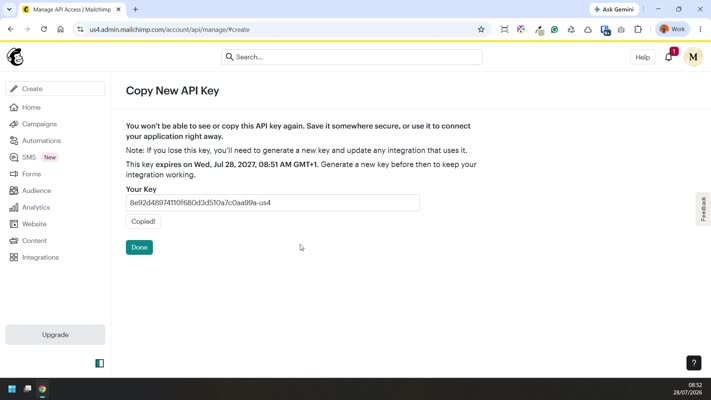
Creating a MailChimp API Key
To connect your website up to MailChimp so that we can create a signup form for your newsletter, we need a MailChimp API key.
Click the  or
or  button on the video to view fullscreen.
Log in to your Mailchimp account.
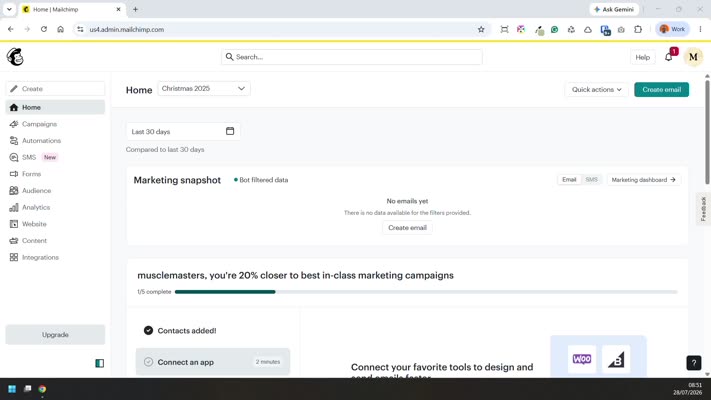
In the top-right corner, click your profile icon, then select Profile.
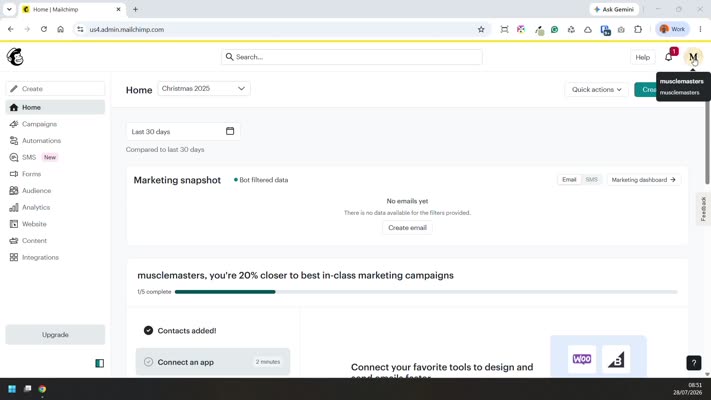
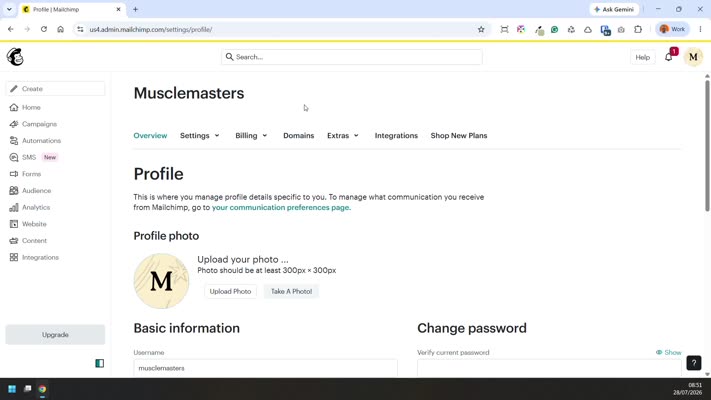
In the Profile menu, go to Extras and select API keys.
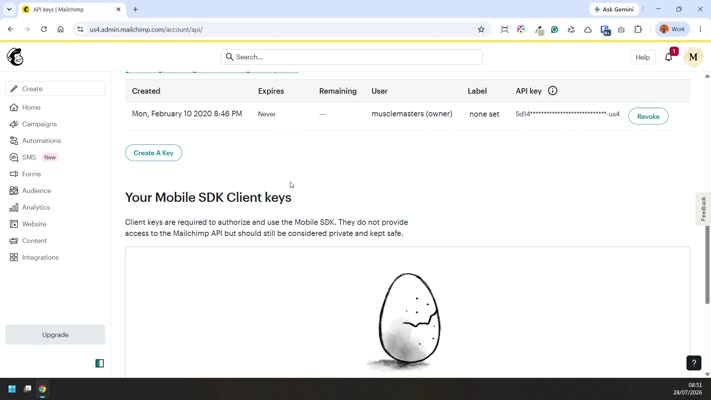
Click Create A Key.
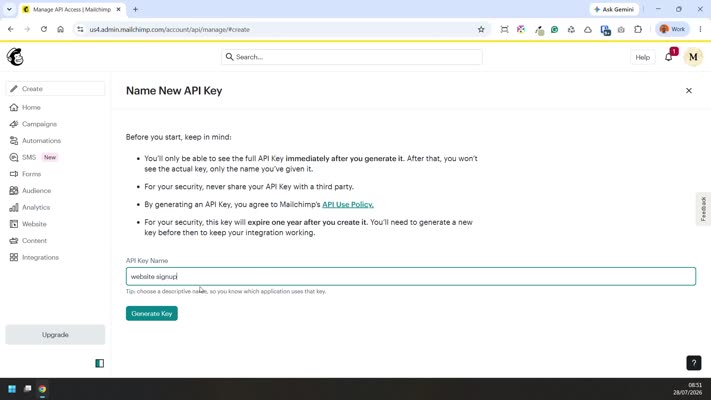
Enter a name/label you’ll recognize for what the key will be used for.
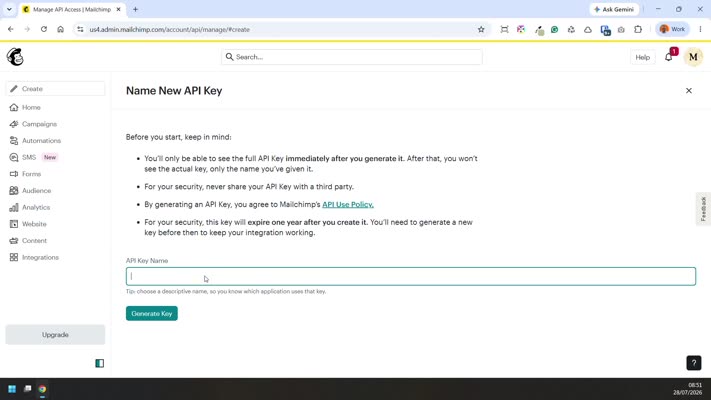
Click Generate Key.
Copy the generated key (either manually or using the copy button).
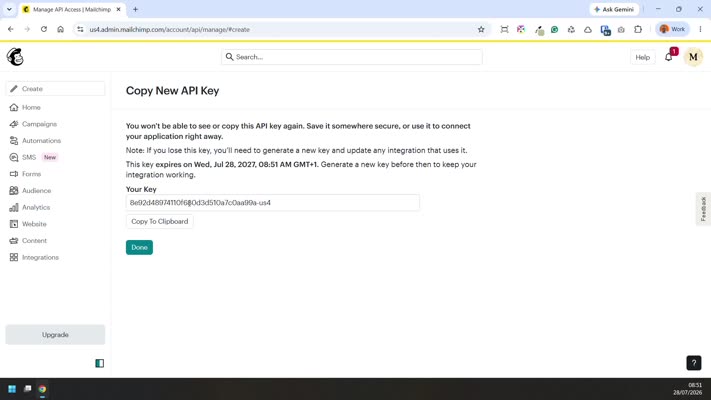
Use Copy to clipboard, then send the copied key to us.
Important: you can only view this key once—make sure it’s copied and saved before closing the window.
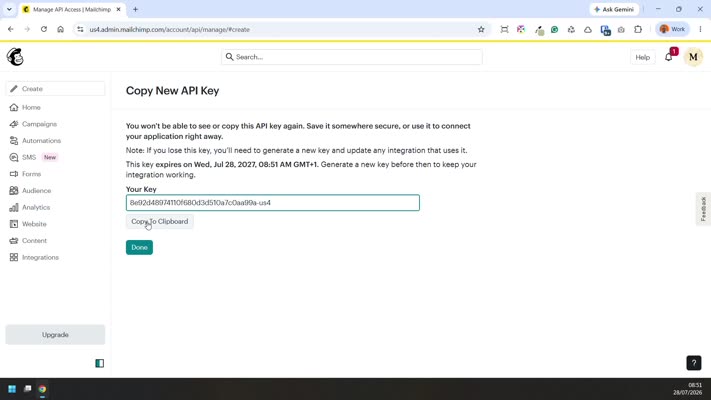
Click Done.